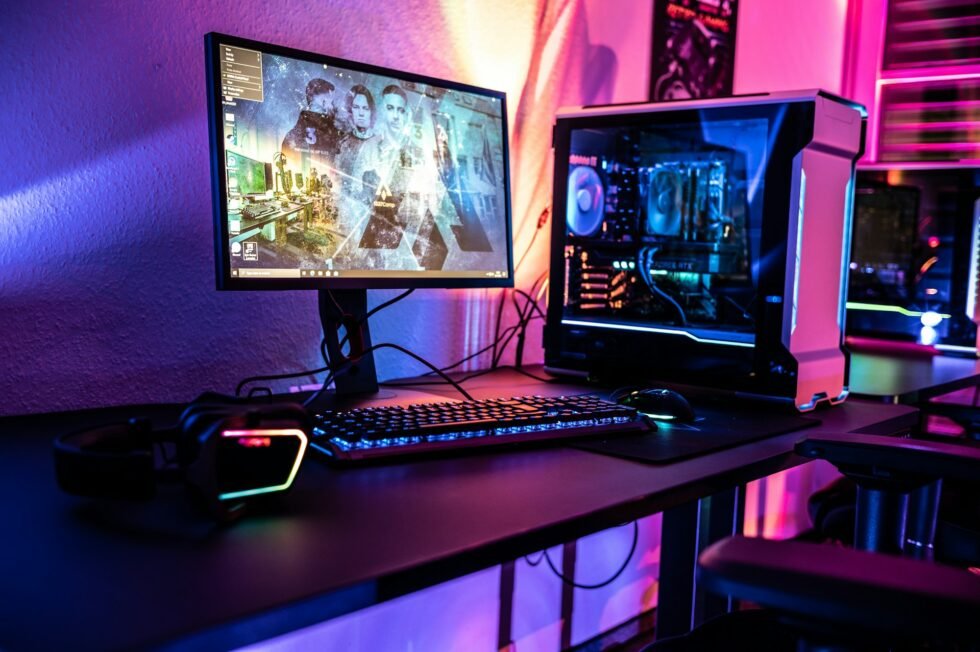
Tech Hacks for PB Linux Gaming: Boost Performance and Maximize Your Setup
Gaming on Linux has evolved from a niche experiment into a powerful alternative for players who want more control, better performance tuning, and a customizable environment. With platforms like Proton and compatibility layers improving rapidly, PB Linux gaming (performance-based Linux gaming) is now a serious option for both casual and competitive players.
To get the most out of your setup, it’s not just about installing games—it’s about optimizing your system intelligently. Here are practical tech hacks that can significantly improve your Linux gaming experience.
Optimize Your Graphics Drivers
Your GPU drivers are the backbone of gaming performance on Linux. Using outdated or incorrect drivers can severely limit your system’s capabilities.
For NVIDIA users, the proprietary drivers generally offer the best performance. AMD users, on the other hand, often benefit from the open-source Mesa drivers, which are continuously improving and well-integrated into most distributions.
Always ensure you’re running the latest stable version suited to your hardware. Even small driver updates can result in noticeable FPS gains and better compatibility with newer titles.
Use Proton and Compatibility Layers Effectively
Proton has transformed Linux gaming by allowing Windows-based games to run seamlessly through Steam. However, not all Proton versions perform equally across all games.
Switching between Proton versions—or using custom builds like Proton GE—can solve compatibility issues, reduce crashes, and improve performance. Some games run better with older versions, while others benefit from the latest experimental builds.
Fine-tuning launch options, such as enabling specific DirectX translation layers, can also give you a performance edge.
Enable GameMode for Automatic Optimization
GameMode is a lightweight tool that automatically optimizes your system while gaming. It adjusts CPU governor settings, prioritizes game processes, and minimizes background interference.
Once installed, it can be activated with a simple launch command. The result is a smoother experience, especially on systems where background processes might otherwise compete for resources.
Tweak Your Desktop Environment
Not all desktop environments are equally efficient for gaming. Heavier environments can consume unnecessary system resources.
Switching to a lightweight option or disabling visual effects can free up CPU and GPU power. Even minor changes, like turning off animations or background services, can contribute to more stable frame rates.
For serious PB Linux gaming setups, a minimal environment often delivers the best results.
Manage Background Processes
One of the simplest but most overlooked optimizations is controlling what runs in the background.
Before launching a game, close unnecessary applications, disable startup services you don’t need, and monitor system usage. Tools like system monitors can help identify resource-heavy processes that may impact performance.
Reducing background load ensures your hardware is fully dedicated to the game.
Optimize Storage for Faster Load Times
Game load times and overall responsiveness can be significantly improved with proper storage configuration.
Installing games on SSDs instead of HDDs reduces load times dramatically. Additionally, using optimized file systems and keeping enough free space on your drive helps maintain consistent performance.
For advanced users, mounting options and caching tweaks can further improve data access speeds.
Customize Kernel and System Settings
For users comfortable with deeper system tweaks, custom kernels designed for performance can enhance responsiveness.
Low-latency or gaming-focused kernels reduce input lag and improve scheduling efficiency. Adjusting CPU frequency scaling and I/O schedulers can also provide incremental performance gains.
These tweaks require careful setup but can make a noticeable difference in demanding games.
Fine-Tune In-Game Settings
Even with a well-optimized system, in-game settings play a crucial role.
Lowering settings like shadows, reflections, and anti-aliasing can boost FPS without significantly affecting visual quality. Resolution scaling is another effective way to balance performance and clarity.
Experimenting with these settings helps you find the optimal balance for your hardware.
Keep Your System Updated
Regular updates ensure compatibility with new games and improvements in performance.
Linux distributions frequently release updates for drivers, kernels, and gaming tools. Staying current helps avoid bugs, improves stability, and ensures you benefit from the latest optimizations.
However, it’s wise to avoid major updates right before important gaming sessions to prevent unexpected issues.
Final Thoughts
PB Linux gaming is no longer about making compromises—it’s about unlocking performance through smart configuration. With the right combination of driver optimization, compatibility tools, system tweaks, and resource management, Linux can deliver a gaming experience that rivals traditional platforms.
The real advantage lies in control. Unlike more restrictive systems, Linux allows you to fine-tune every aspect of your setup. For gamers willing to experiment and optimize, the results can be both impressive and rewarding.